Check staff performance
See the sales and bills that each staff member made.
Who can do this: Owner and Manager
This is not in every plan. See Pricing.
See who sold the most, and how each person is doing. This page counts the bills that each staff member made.
- In the menu, open Staff and press Staff Performance.
- Choose the dates in From and To. The page starts with this month.
- To see fewer people, choose a role, like Cashier.
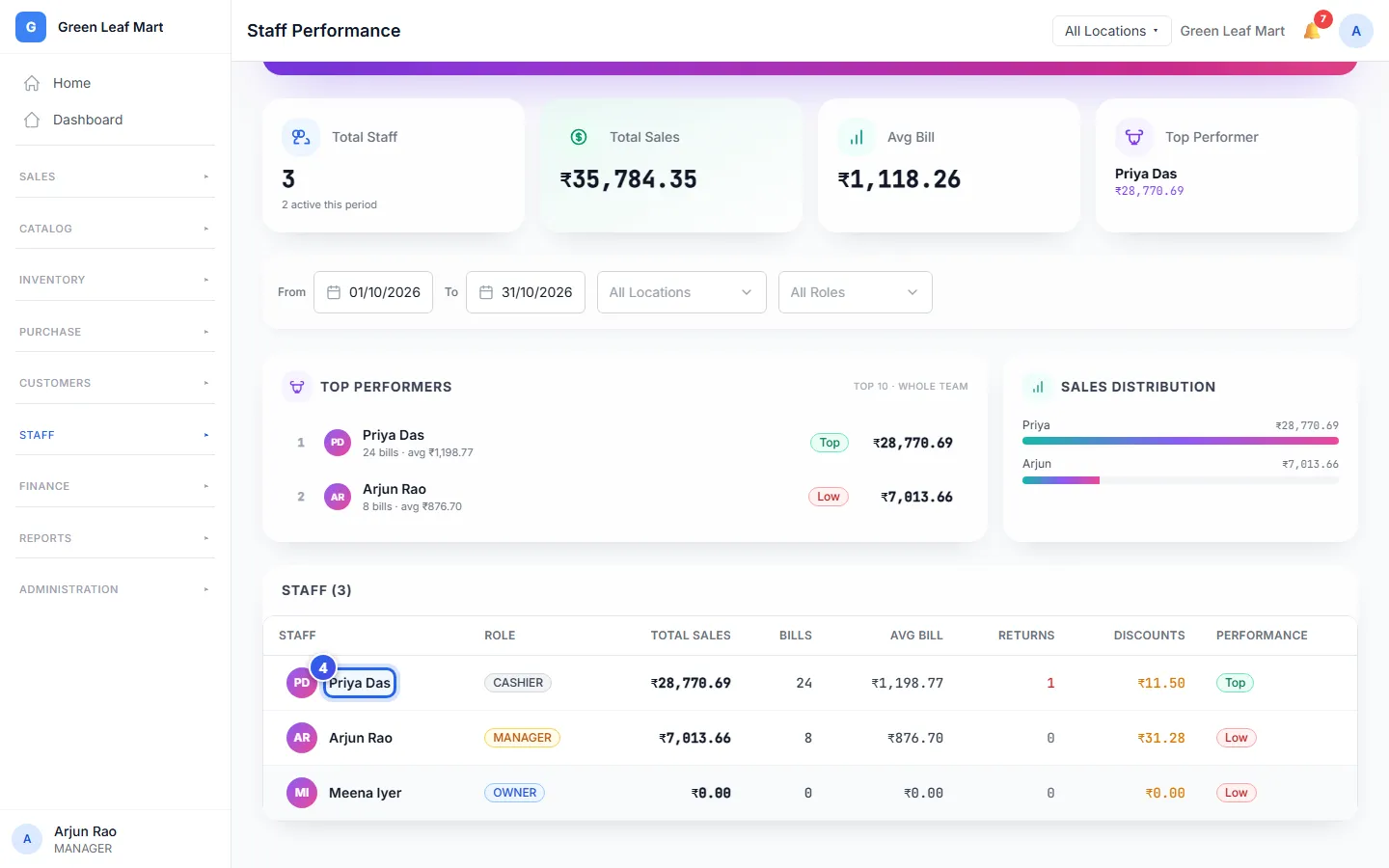
- Press a name in the staff list lower on the page.
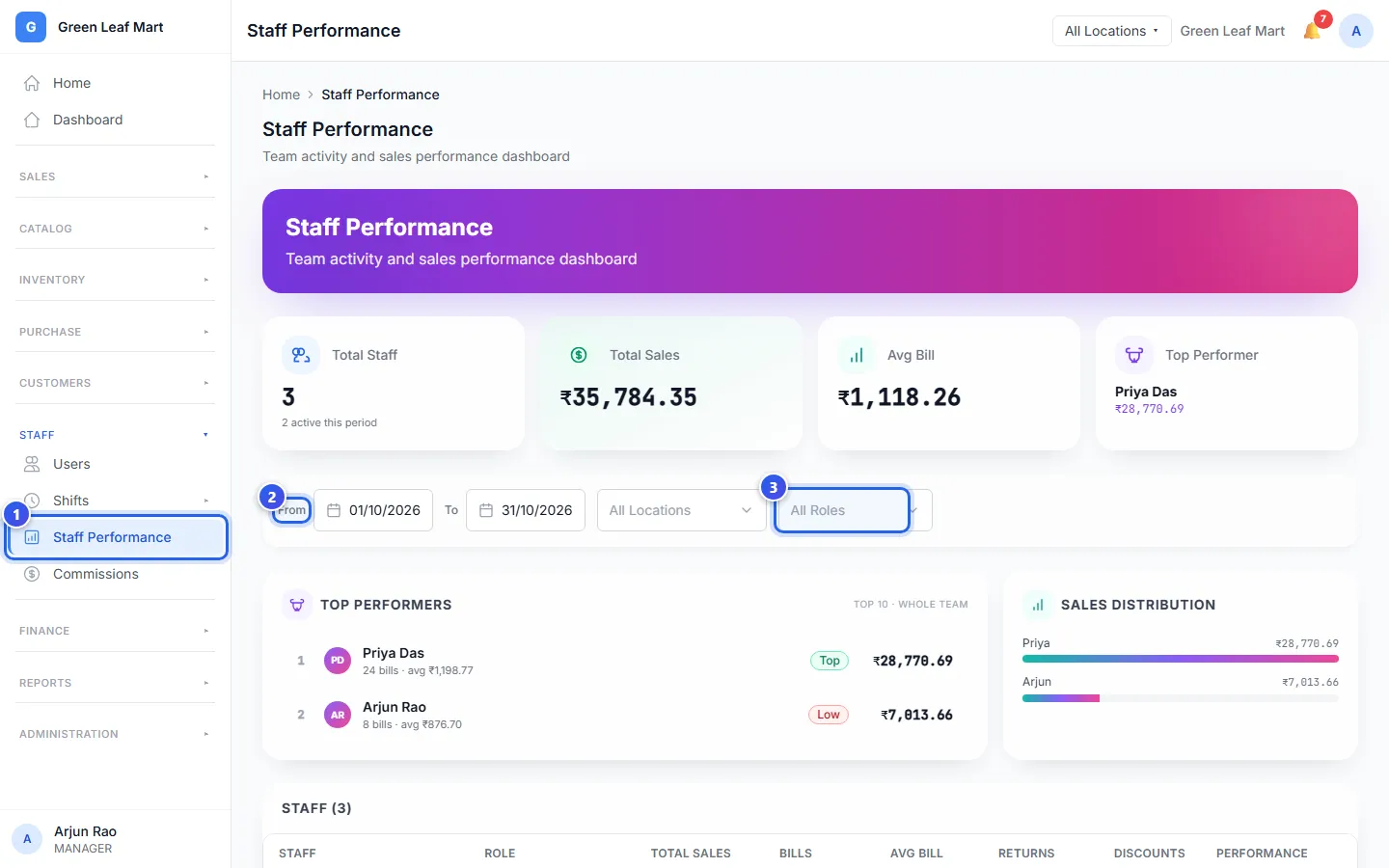
If your business has more than one location, you can also choose a location.
What the page shows
- Total Sales is the money from all the bills in your dates.
- Avg Bill is the average money in one bill.
- Top Performer is the person who sold the most. The list below it shows the next ones.
In the staff list, each person has a badge:
- Top means they sold at least 30% more than the team's average.
- Low means they sold less than 70% of the average.
- Average is in between.
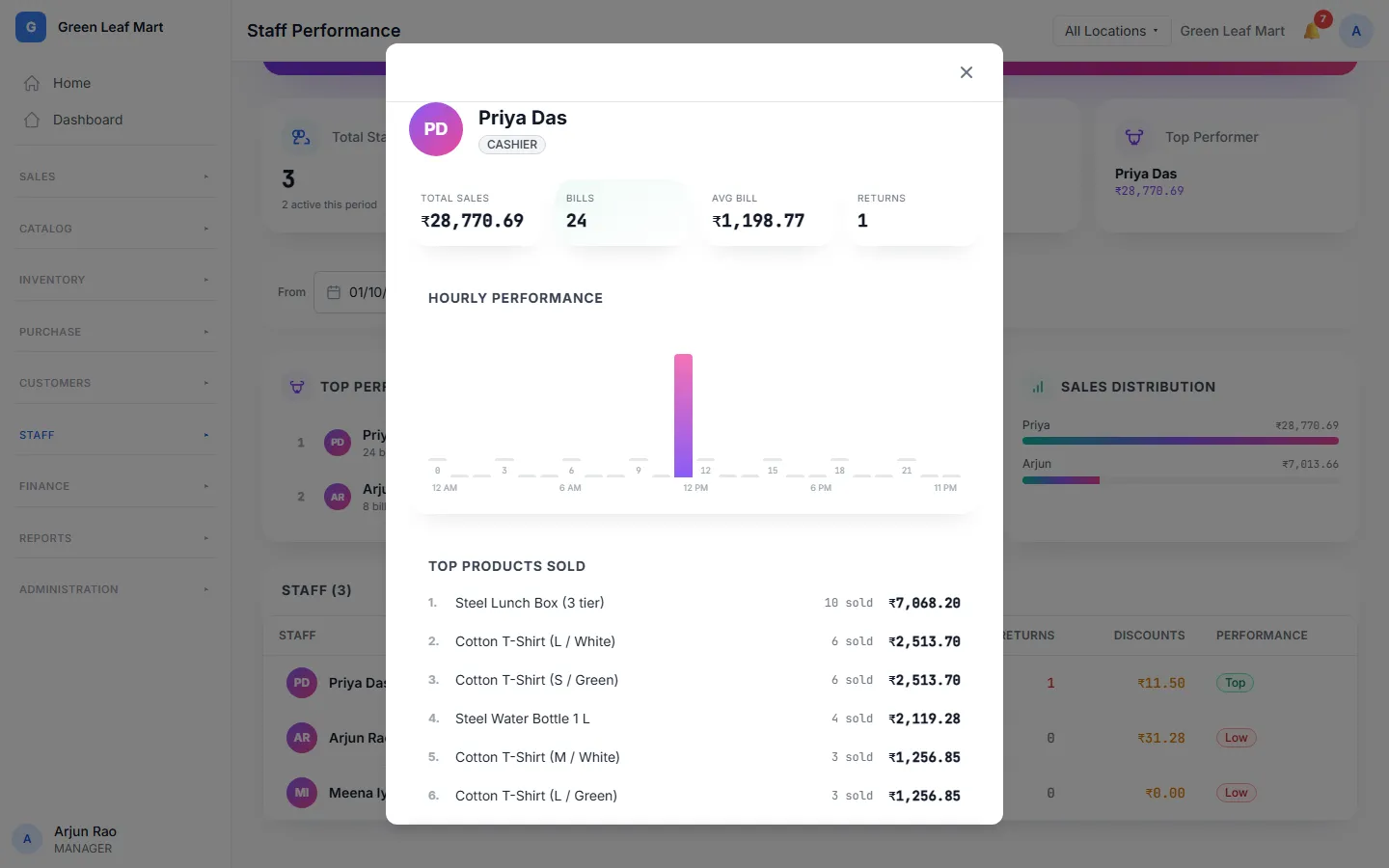
Press a name to see more about that person. A chart shows their sales at each hour of the day. A list shows the products they sold most. Lower down, you see what they did in Orio360.
Related help
Still need help?