Why do I see a lock?
Learn why some menu items show a lock and what you can do about it.
Who can do this: Owner, Manager and Cashier
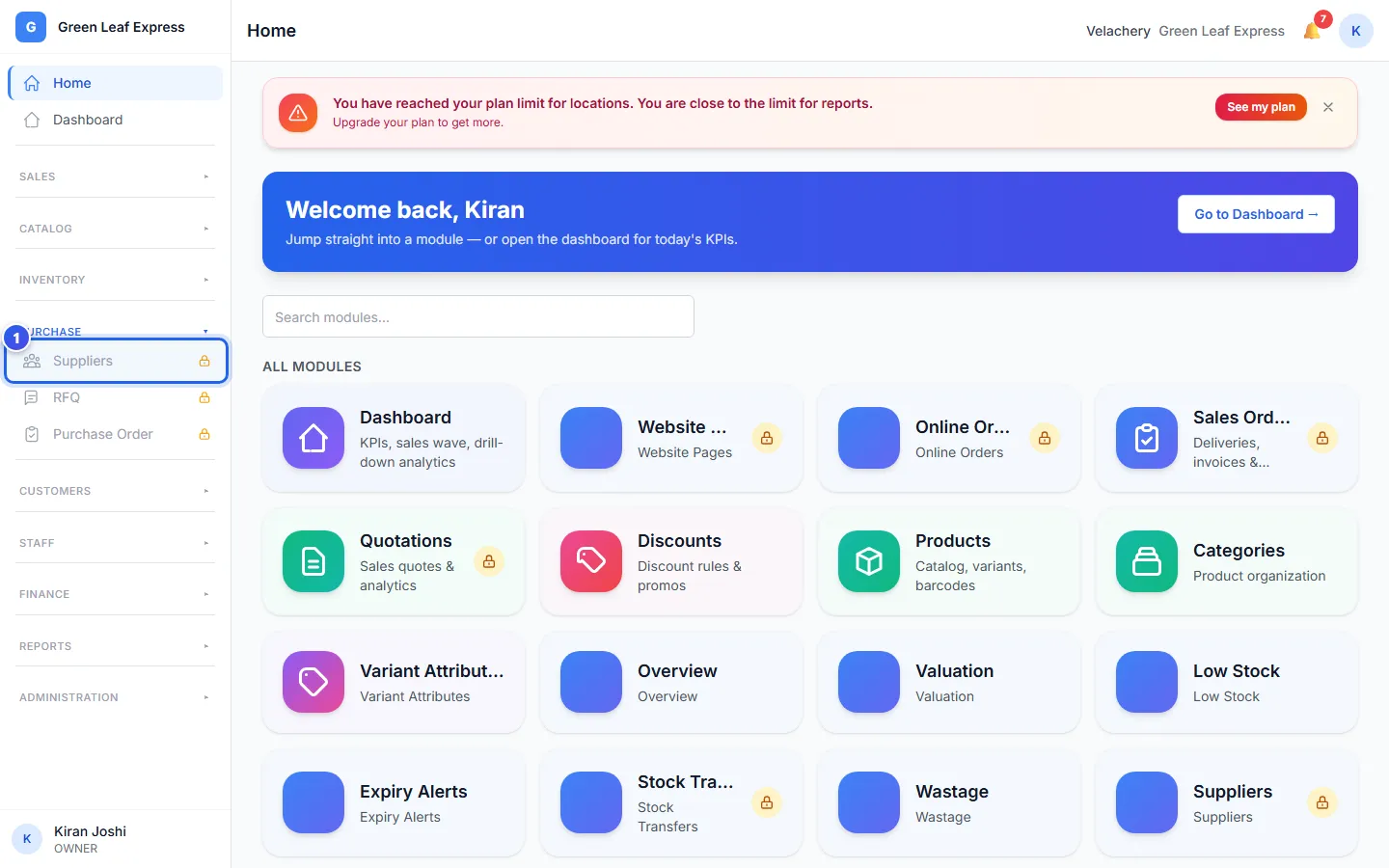
A lock next to a page means the page is not in your plan. Orio360 does not hide it. So you can see what you could use, and what it does.
- Look for a small lock next to a page name in the menu. Tiles on Home show it too.
- Press the page. A page that says Locked opens.
- Read the name of the feature, and what it does.
- If you are the Owner, press Upgrade. My Subscription opens.
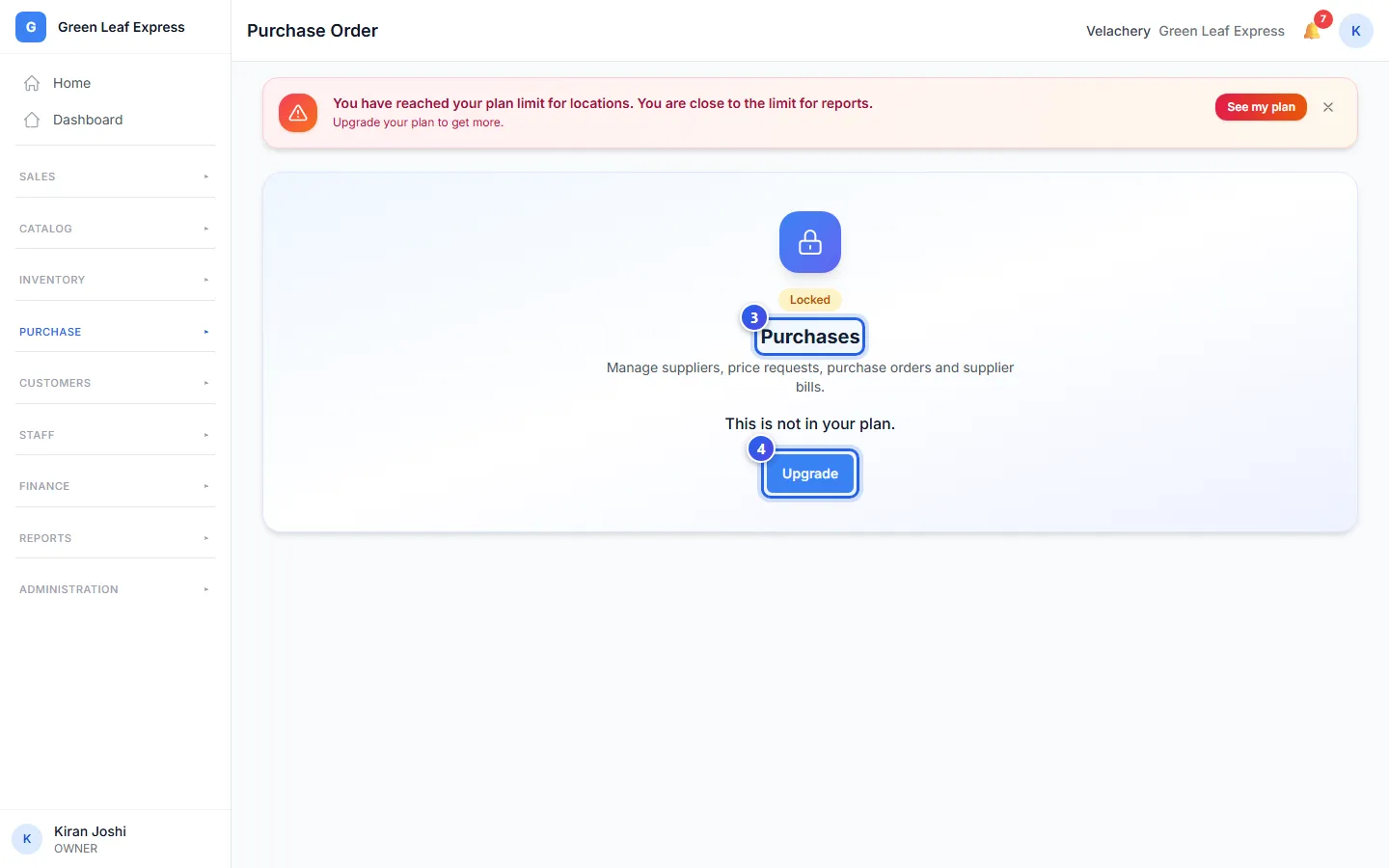
Is there no Upgrade button? Then the page says Ask your owner to upgrade. Only the Owner can change the plan.
On My Subscription, the list Not in your plan shows every locked feature. To get one, contact us to change your plan.
Your data stays safe
- Orio360 never deletes your data when a feature is locked.
- When your plan has the feature again, all its data comes back.
- A data export still has all your data.
You can always make bills. Billing, products, customers and the main reports are in every plan. The POS app shows a lock in the same way.
Related help
Still need help?