See the demand forecast
See how much of each dish you may sell, so you can buy the right stock.
Who can do this: Owner and Manager
For restaurantsThis is not in every plan. See Pricing.
The Demand Forecast guesses how much of each dish you may sell on a day. It looks at your past sales. Use it to buy the right ingredients in time.
- In the menu, open Reports and press Demand Forecast.
- In Forecast Type, choose Daily Forecast or a festival.
- In Forecast Date, choose the day.
- Read the Product Forecast table.
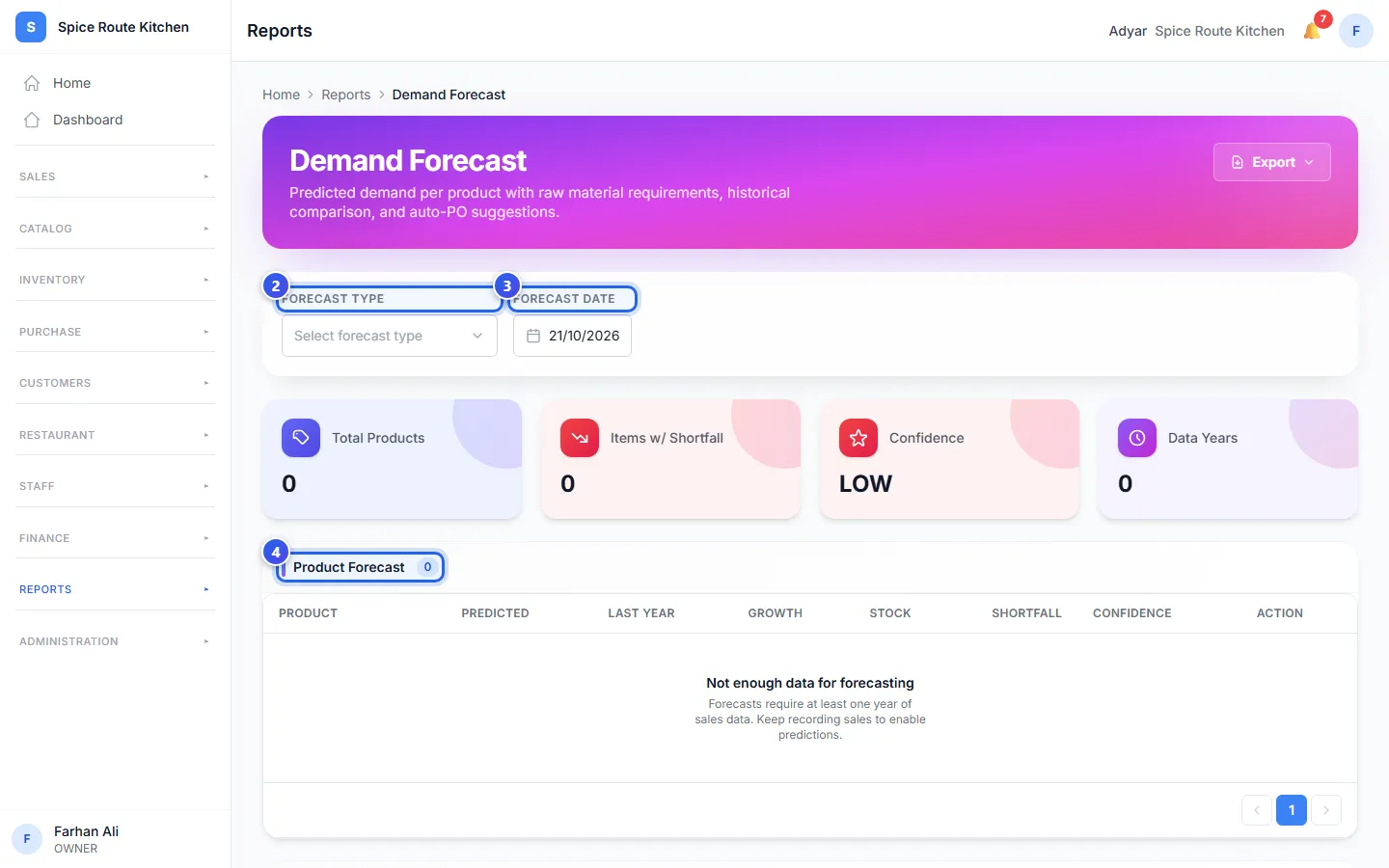
What the table shows
- Predicted is how many you may sell on that day.
- Last Year is how many you sold on the same day last year.
- Stock is how many you have now.
- Shortfall is how many more you need.
Press View Plan on a row to open your cooking plan.
Lower down, Raw Material Requirements lists the ingredients you need. It shows how much is Required, how much is In Stock, and a Suggested PO. A PO is a purchase order.
When some ingredients are short, the Owner sees Auto-Generate Purchase Order. It makes a draft purchase order for those items. Check it before you send it to your supplier.
Related help
Plan what to cook
See which ingredients your festival orders need, and which ones you must buy.
For restaurantsOn some plans
Check and restock ingredients
See how much of each ingredient you have, and add stock when you buy more.
For restaurants
Make a purchase order
Tell a supplier what you want to buy, how many and at what price.
On some plans
Still need help?