Export all your data
Download a copy of all your business data in one file.
Who can do this: Owner
You can download a copy of your business data. Orio360 puts it in one ZIP file. Inside are CSV files that you can open in Excel or Google Sheets.
- In the menu, open Reports and press Data Export.
- Look at What to export. Every part is ticked at the start.
- To pick only some parts, press Clear. Then press each part you want.
- Press Generate full export.
- In the box that opens, press Generate export.
- Wait 1 to 3 minutes. The page updates by itself.
- In Export History, press Download.
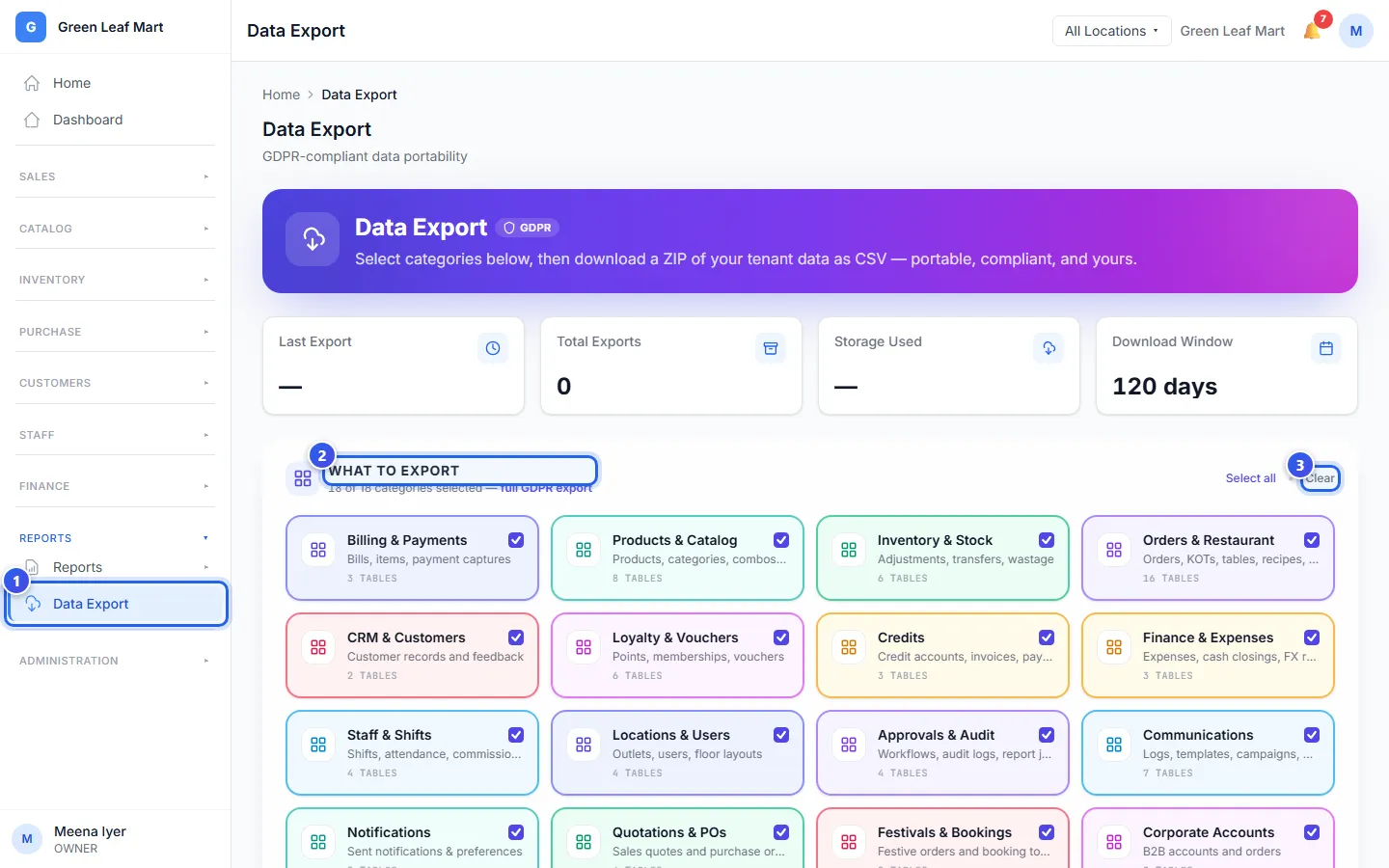
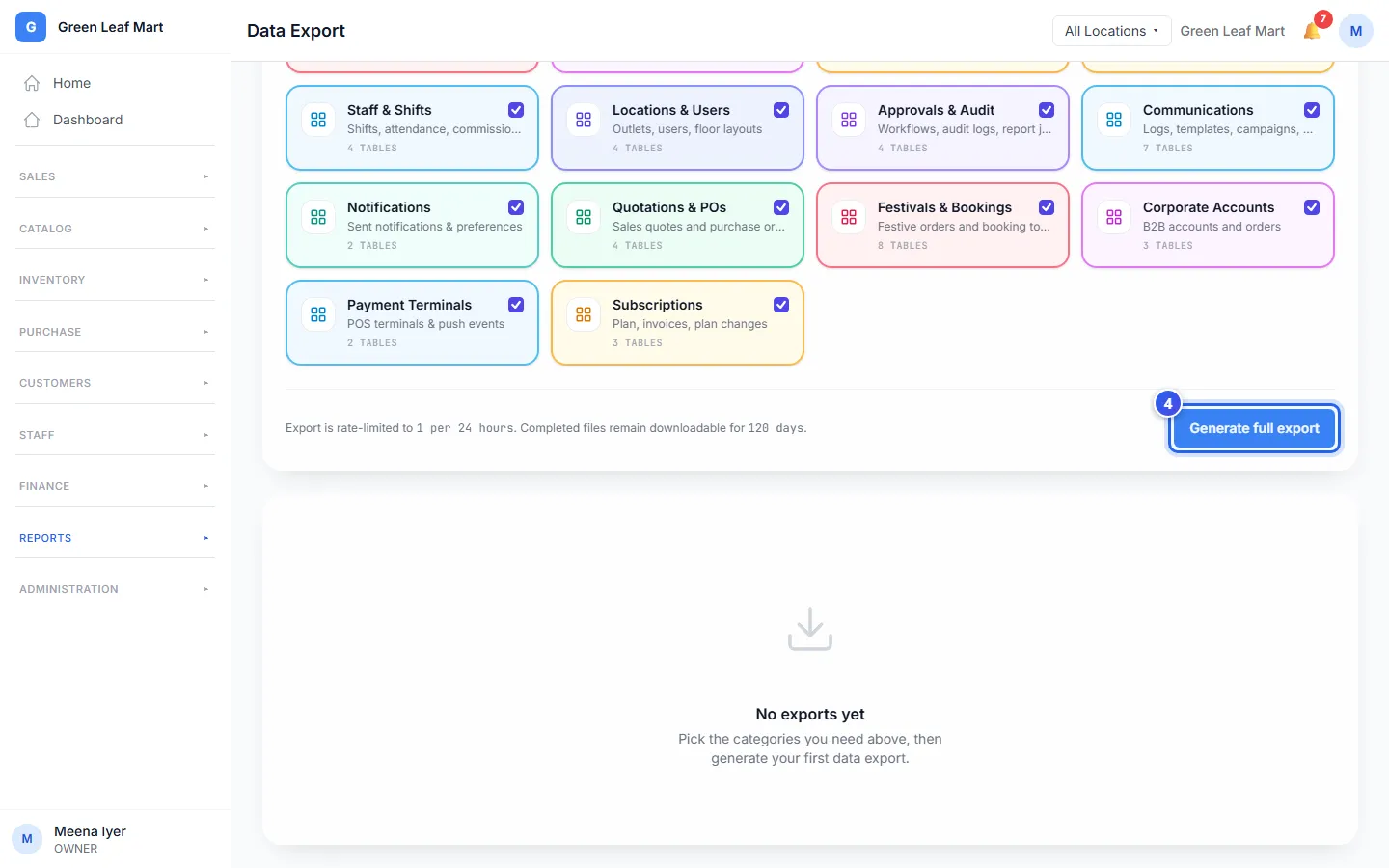
If you picked only some parts, the button in step 4 says Generate export with the number of parts.
Good to know
Related help
Open, download and share a report
Find a report, pick the dates, then save it or share it on WhatsApp or by email.
Send your data to Tally
Make a file of your sales, purchases and expenses that you can import into Tally.
On some plans
Learn who can do what
See what an Owner, a Manager and a Cashier can each do in Orio360.
Still need help?