What customers see in your store
See the home page, product pages and search that customers use to shop.
Who can do this: Owner, Manager and Cashier
This is not in every plan. See Pricing.
Open your online store the way a customer does. Then you know what they see, and you can help them on the phone. Customers do not need to sign in.
- Open your store's web address in a browser, on a phone or a computer.
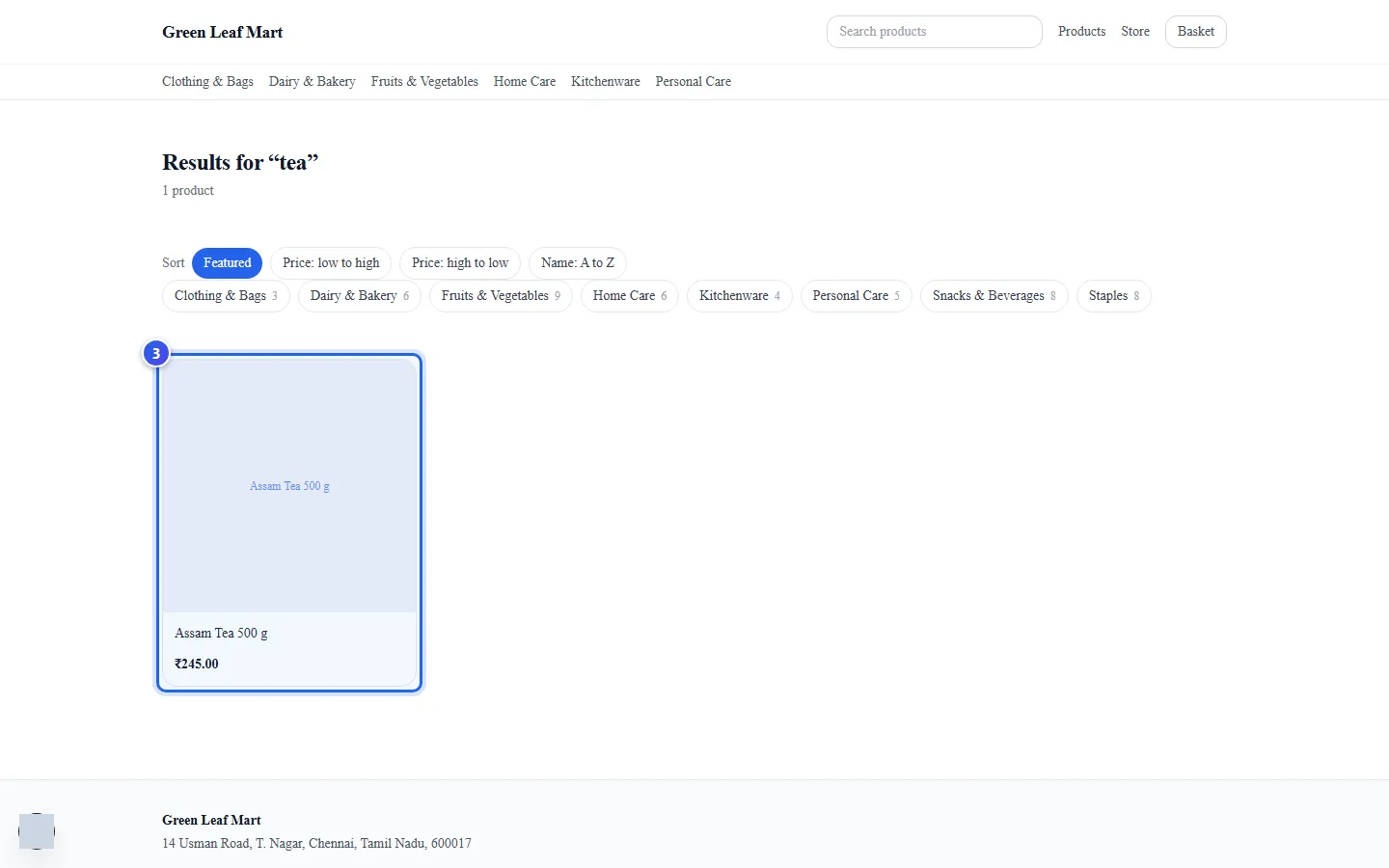
- Type a word in Search products, like tea. Then press Enter.
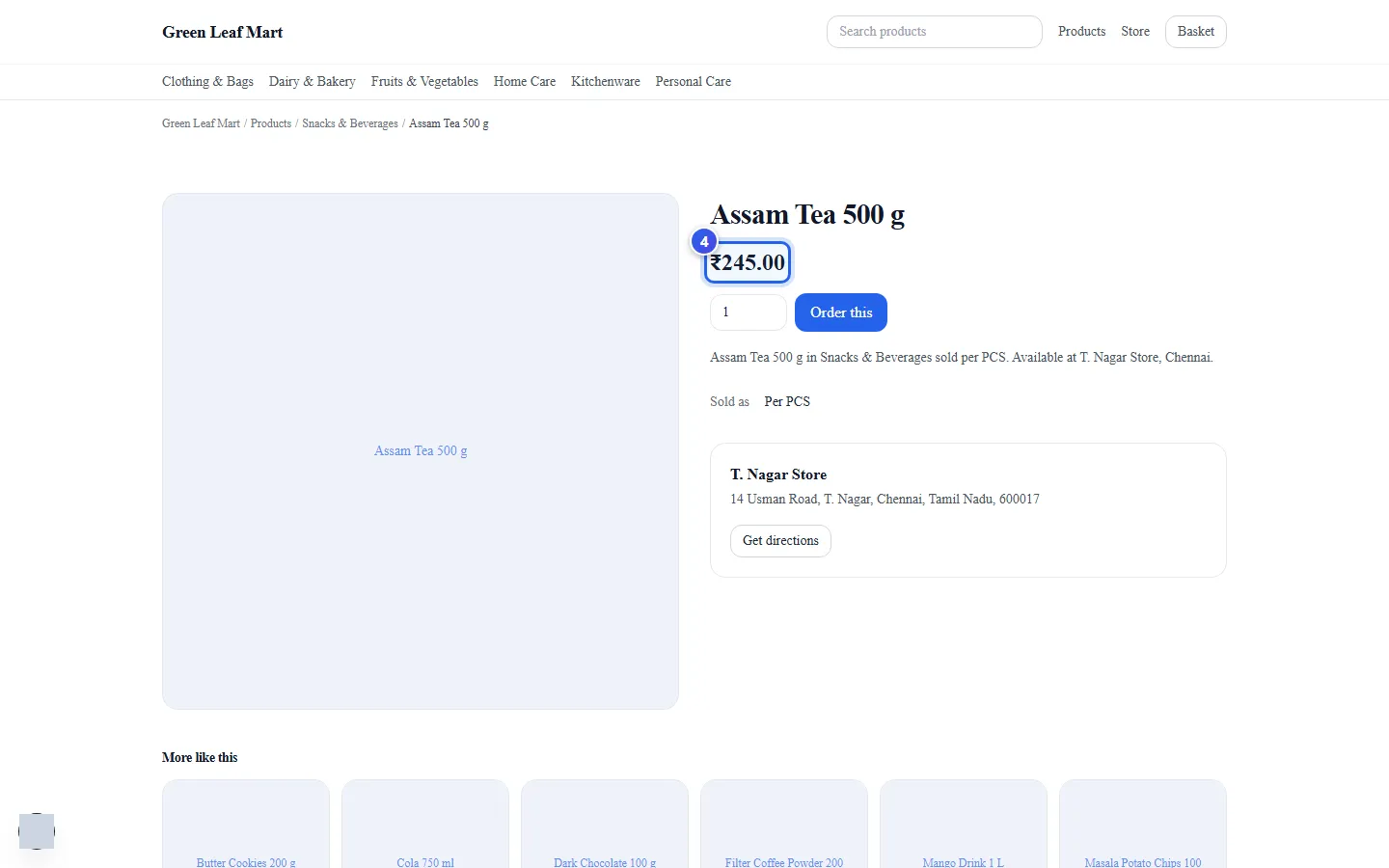
- Press a product in the list.
- Check the price on the product page.
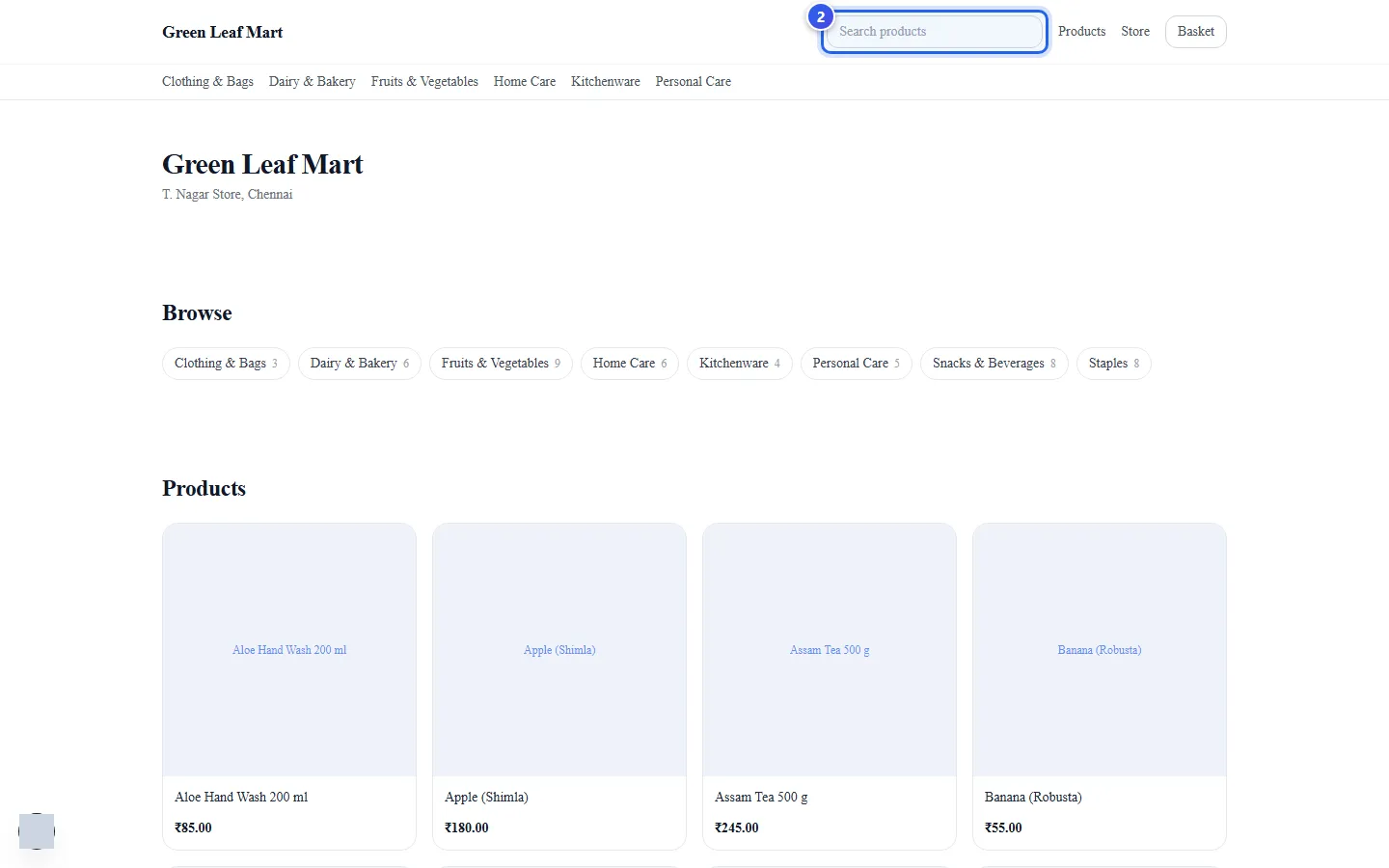
The home page
- Your business name and your store's city are at the top.
- Browse shows your categories, with how many products are in each. Press one to see its products.
- Products shows some of your items. A link under them opens the full list.
- Visit us shows your store's address. Get directions opens a map.
The menu at the top has Products, Store and Basket. Store shows your address and opening hours.
A product page
- The name, the price and a box for how many to buy.
- Order this puts the item in the basket. See How customers order from your store.
- Sold as shows how you sell it, like one piece or one kg.
- More like this shows other products from the same category.
Search results
The results page says how many products it found. Sort puts them in a new order, like Price: low to high or Name: A to Z. The category buttons under it open one category.
Related help
Get your online store
Learn how your online store is set up, and where your customers find it.
On some plans
How customers order from your store
See the basket, the checkout and the order page that your customers use.
On some plans
Find and change a product
Search your product list and change a price, a name or another detail.
Still need help?