Sign in with a password
Use your email and a password to sign in on the kitchen screen.
Who can do this: Owner, Manager and Cashier
For restaurantsThis is not in every plan. See Pricing.
Most people sign in with a code from their email. The kitchen screen also lets you sign in with your email and a password. Use this way only if you have a password for Orio360. If nobody gave you a password, sign in with an email code.
- Open the kitchen screen in your web browser.
- Press Use password instead.
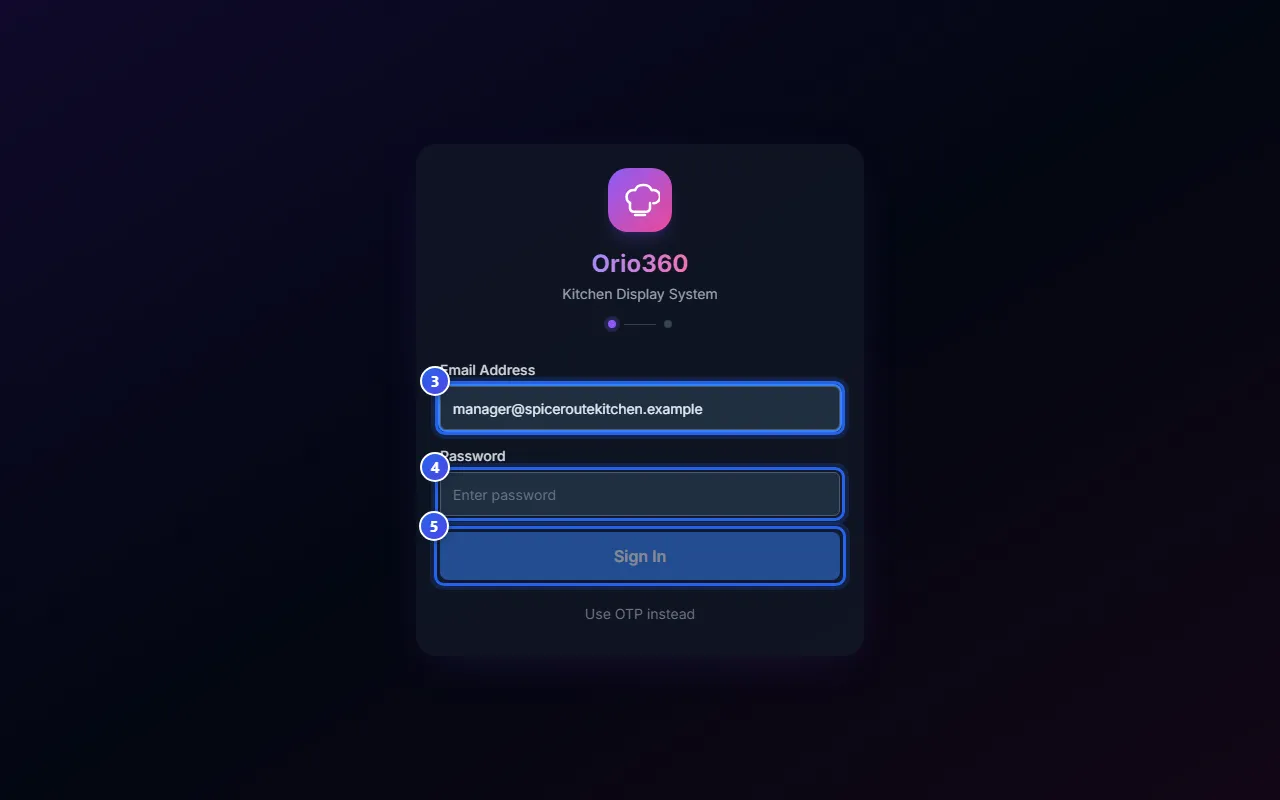
- Type your email in Email Address.
- Type your password in Password.
- Press Sign In.
- Choose your kitchen station, or press All Stations.
The kitchen screen opens. It shows the orders for the station you chose.
To go back to the email code, press Use OTP instead.
Keep your password safe
- Never tell your password to anyone.
- Do not write it on a note next to the screen.
- Use a password that other people cannot guess.
Related help
Still need help?