What Orio360 is
See what Orio360 does for your shop or restaurant, and which apps you use.
Who can do this: Owner, Manager and Cashier
Orio360 helps you run a shop or a restaurant. You make bills, keep track of your stock and get to know your customers. It works in a web browser, so you can use a computer, a tablet or a phone.
The apps you use
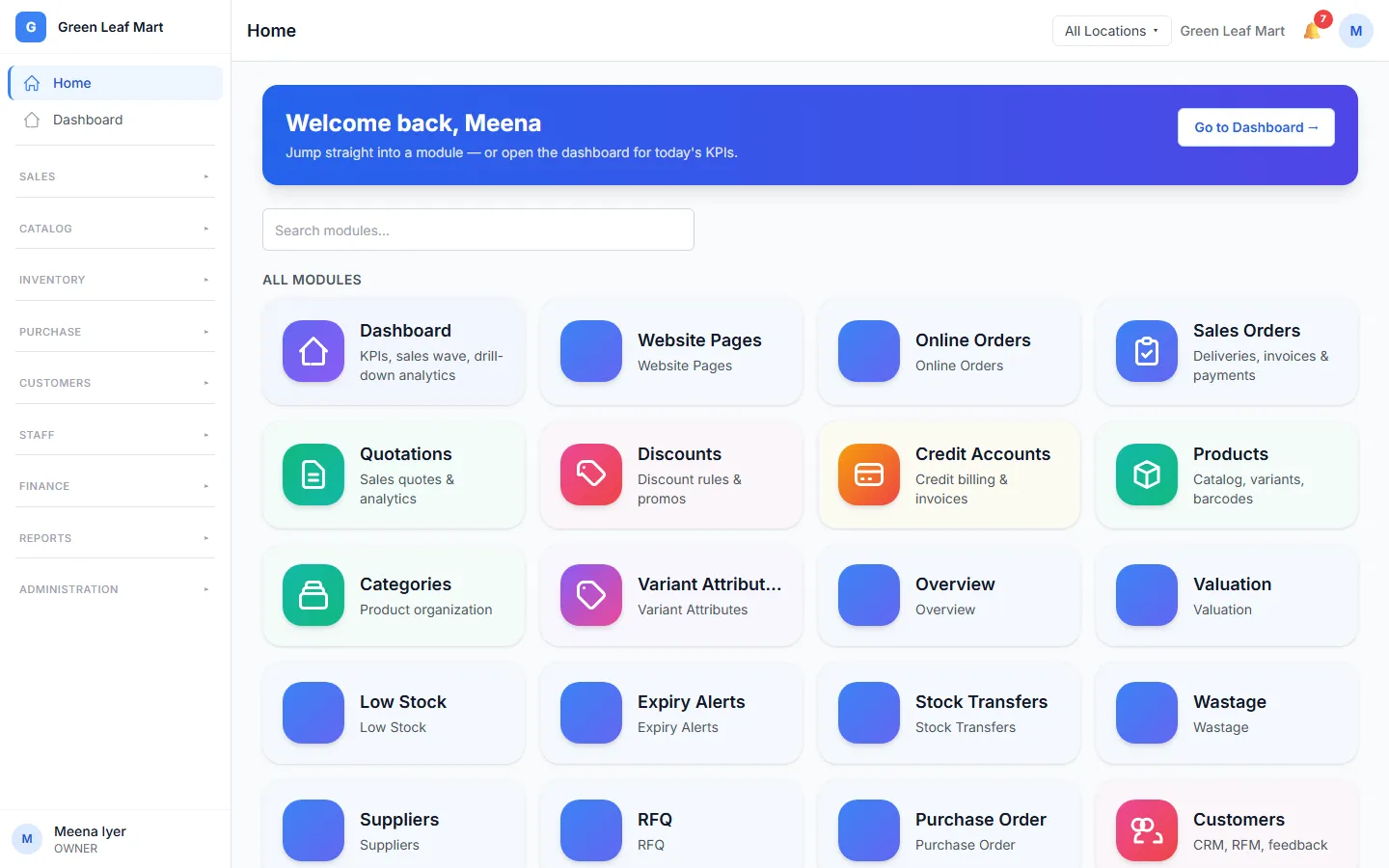
Orio360 has a few apps. Each app does one job.
- The POS app is for the till. Staff use it to make bills and take payments.
- The admin app is for the back office. Here you set up your products, staff and prices. You also see your reports here.
- The kitchen screen is for restaurants. It shows each new order, so the cooks know what to make.
- The Waiter app runs on a phone. A waiter uses it to take orders at the table.
- The Manager app runs on a phone too. It shows your sales, and you can approve requests from your staff on it.
- Your online store is a small website for your business. Customers can see your products there and order from it.
What it does for you
- It adds the right GST to each item on the bill.
- It takes the items out of stock when you finish a sale.
- It keeps your customers in one list, with what they bought.
- It lets you keep making bills when the internet stops.
Shops and restaurants
Shops and restaurants use Orio360 in their own way. A shop scans a barcode to add an item to the bill. A restaurant takes orders at the table and sends them to the kitchen. Some help articles are only for shops or only for restaurants. A badge at the top of the article tells you which.
Where to start
Read Plan your first day. It is a short list of the jobs to do before your first bill.
Related help
Still need help?